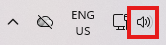
- In the system tray at the lower right of your screen, click the audio icon.
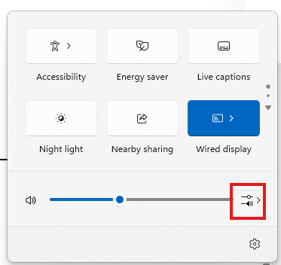
- Next, click on the audio settings as shown here:
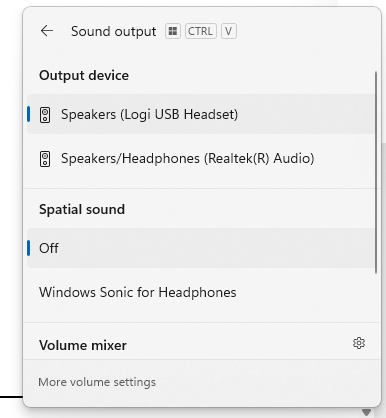
- You will see an HDMI audio output option (not shown in this screenshot) select it and your audio will play through your alternate display :